 brakit
Quick Start
See what your API is really doing. Zero config.
Brakit captures every HTTP request, database query, fetch call, console log, and error, then shows you everything in a live dashboard. Security scanning, N+1 detection, and performance insights happen automatically.
Install
Select your setup to see the installation steps.
Cross-service traces link automatically. Queries inside FastAPI nest under the fetch from Next.js.
What You'll See
Open /__brakit on your dev server and interact with your app. Brakit captures everything in real time:
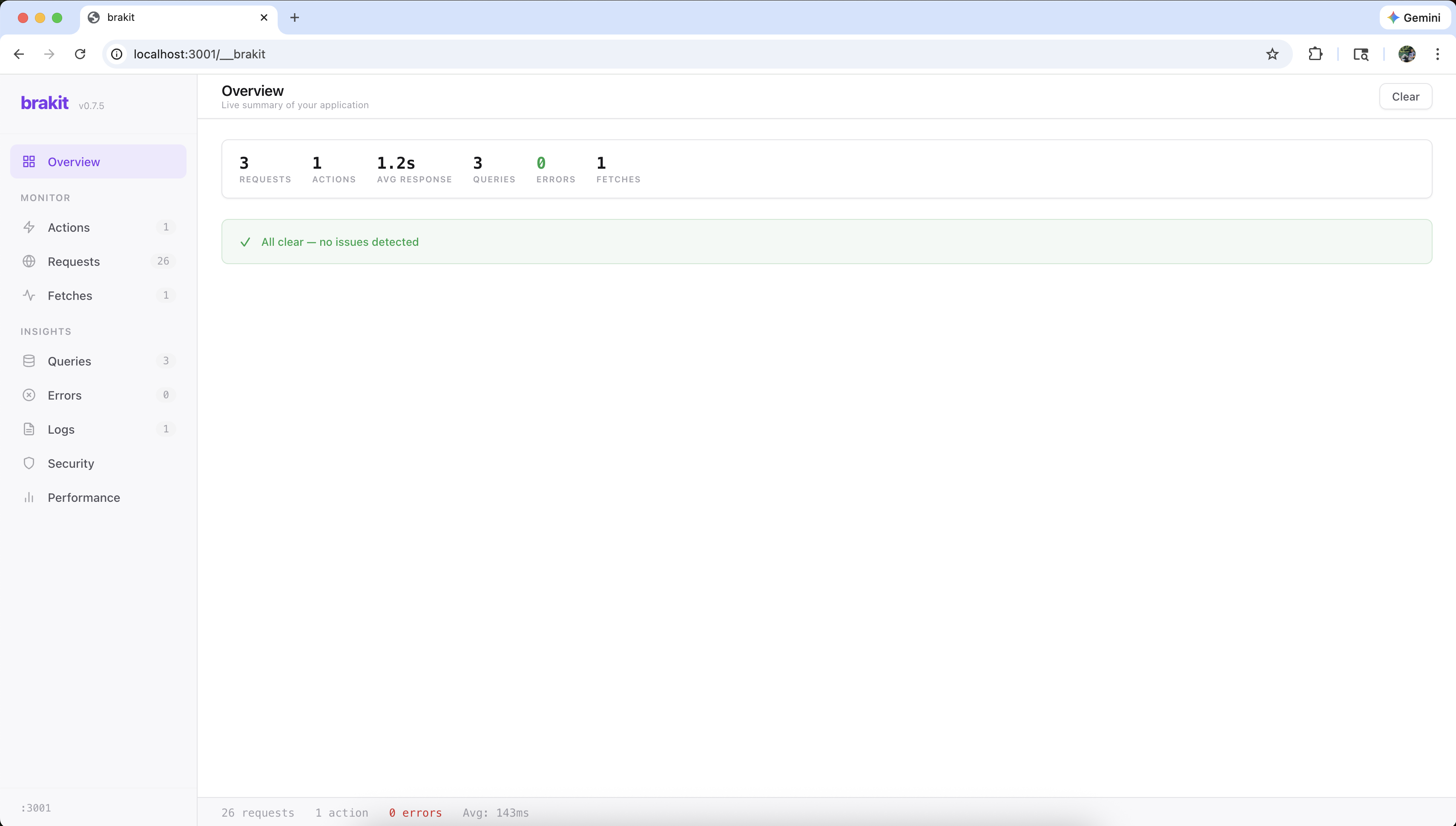
What Brakit Does
8 rules scanned automatically: leaked secrets, PII in responses, tokens in URLs, stack traces, insecure cookies, and more.
Every database query captured with operation, table, duration, and row count. N+1 patterns flagged automatically.
Requests grouped by what the user did: "Sign Up", "Load Dashboard". Not raw HTTP noise.
Health grades, p95 trends, slow endpoint detection, and metrics that persist across sessions.
Server-side fetch calls, console output, and unhandled errors, all correlated to the request that triggered them.
Via MCP, Claude Code and Cursor read issues, fix code, and verify the fix. The full detect, fix, verify loop.
Removing Brakit
npx brakit uninstallRemoves the instrumentation file and the brakit package. Your app goes back to exactly how it was.
Next Steps
- CLI Commands : Install, uninstall, and telemetry commands
- Architecture : How in-process hooks, analysis, and the dashboard work together
- Security Rules : The 8 rules and what they catch
- Adapters : How brakit captures database queries from pg, mysql2, and Prisma
- MCP Integration : How AI assistants connect to brakit via the Model Context Protocol